.png)


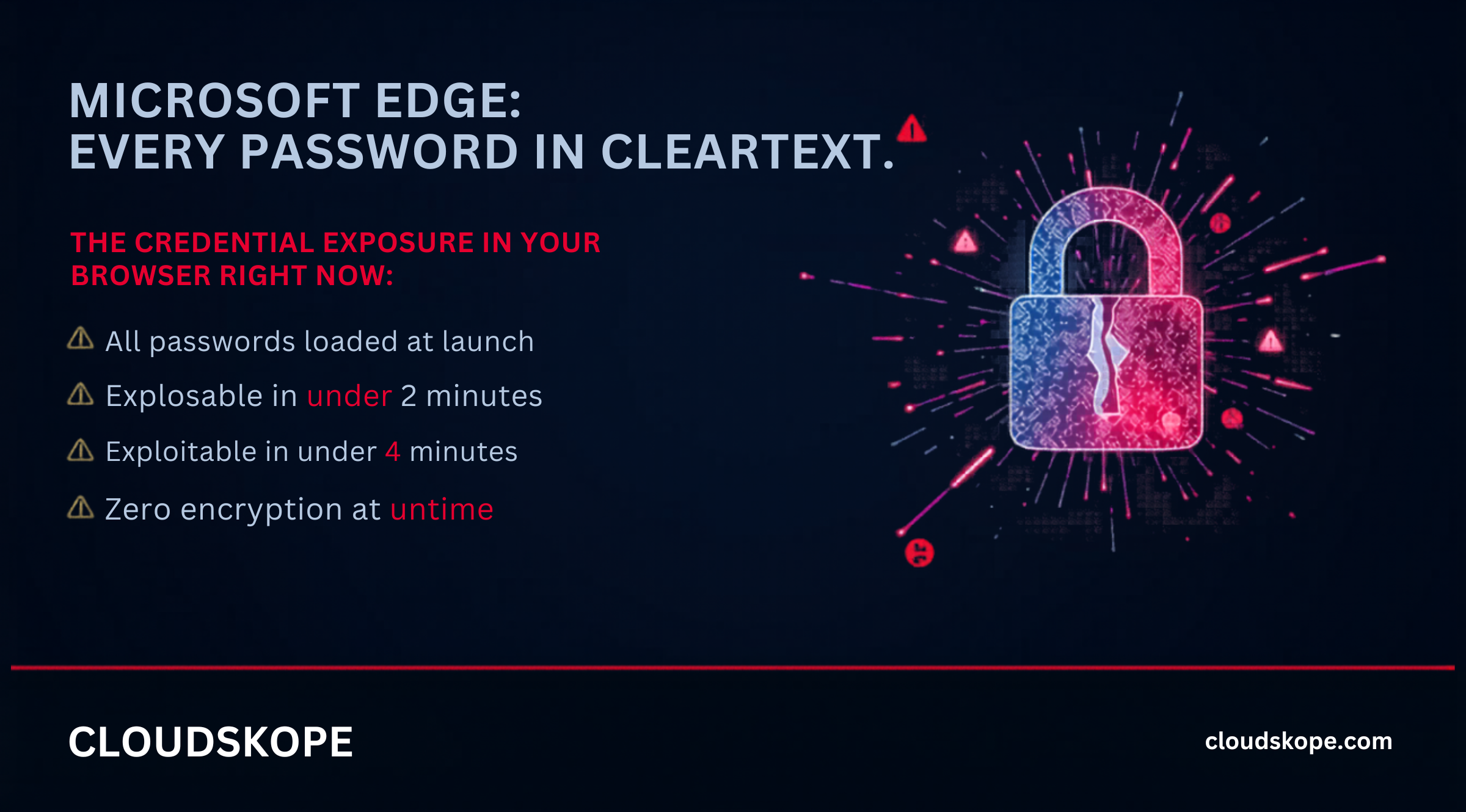
Process memory credential exposure is not new. Security researchers have documented it across browsers for years. What makes the Microsoft Edge disclosure significant is the organizational context in which it lands: Edge is the default browser for Microsoft 365, the platform running 85% of mid-market enterprise productivity infrastructure. Your employees have saved their M365 credentials in Edge. Their VPN credentials. Their Salesforce login. Potentially their banking and financial system credentials. All of it has been sitting in cleartext process memory every time the browser opens.
What Is Actually Happening Technically
To understand why this matters, it helps to understand the architectural distinction between how credentials are stored at rest and how they exist in memory during an active browser session.
Storage vs. Runtime: The Critical Difference
Microsoft Edge stores saved passwords on disk using Windows Data Protection API (DPAPI) encryption, tied to the user's account credentials. At rest — when the browser is not running — these passwords are encrypted and not recoverable without the user's Windows account credentials. This is an adequate security model for protecting credentials against physical drive theft or offline analysis.
The problem is what happens at runtime. When Edge launches, it decrypts the stored password database and loads the credential vault into process memory for functional use — so that Edge can autofill passwords when users visit sites. In memory, these credentials exist as plaintext strings. They have to. Autofill functionality requires that the browser can read and submit the actual credential value, which means the plaintext must exist in accessible memory at the moment of autofill. The vulnerability is that Edge loads the entire credential vault into memory at launch rather than decrypting individual credentials on demand, and that this memory is accessible to any process with the ability to read Edge's process memory.
The Attack Chain: From Phishing to Full Credential Harvest
The practical exploitation of this vulnerability requires local code execution on the victim's endpoint. That prerequisite sounds limiting until you consider how frequently local code execution is achieved in practice. A standard phishing campaign landing a remote access trojan, a malicious macro in a Word document that loads shellcode, a browser-based exploit against a known vulnerability, or a remote desktop session from a compromised credential — all of these provide the local code execution required.
Once an attacker has code running on an endpoint where Edge is installed and the user is logged in, the credential harvest is a single operation. The attacker opens a handle to the Edge browser process. They read the process memory. They parse the credential structures in that memory. They extract usernames and passwords in cleartext. For an attacker running standard post-exploitation tooling, this takes seconds. What does the harvest yield? Everything the user has saved in Edge: corporate intranet credentials, Microsoft 365 authentication, VPN credentials, Salesforce logins, financial system credentials, and any personal accounts saved in the corporate browser profile.
The Microsoft Edge cleartext password vulnerability transforms any initial access — a phishing RAT, a macro, a browser exploit — into an immediate full-credential harvest with no additional technique required. Initial access plus this vulnerability equals enterprise-wide credential exposure in a single operation.
Why This Is Specifically Dangerous for Microsoft 365 Environments
Edge is not just the default browser on Windows — it is the Microsoft 365 browser. Microsoft has built deep integrations between Edge and the Microsoft 365 ecosystem: Edge signs into Microsoft services automatically using Windows account credentials, Microsoft Authenticator integrates with Edge for MFA, and Microsoft's enterprise management tools are designed around Edge profiles. This means the credential vault of an enterprise Edge profile does not contain just saved passwords the user explicitly chose to save. It may contain session tokens and authentication state for Microsoft 365 services maintained through Edge's identity integration. An attacker who extracts Edge process memory is extracting the authentication context for an employee's entire Microsoft 365 and enterprise application portfolio.
Enterprise Password Managers: The Correct Architecture
The architectural problem the Edge vulnerability illustrates is the fundamental insecurity of browser-native credential storage, regardless of vendor. Chrome, Firefox, and Safari all have variants of this vulnerability — credentials must exist in plaintext in memory for autofill to function, and process memory is readable by processes with sufficient permissions. Enterprise password managers — 1Password Business, Bitwarden for Enterprise, Dashlane Business, Keeper Security — address this through a different design. Rather than loading the entire credential vault into memory at launch, enterprise password managers maintain credentials in encrypted vaults that are decrypted on demand, for individual credentials, at the moment of use. The plaintext credential exists in memory for milliseconds rather than for the entire browser session.
Additionally, enterprise password managers implement process isolation, anti-debugging protections, and memory scrubbing after credential use — all of which significantly raise the bar for memory-based credential extraction. The organizational argument for enterprise password managers is no longer merely about password hygiene. It is about ensuring that a single initial access event does not yield an immediate full-credential harvest across your entire enterprise application portfolio.
What to Do: A Practical Remediation Path
The immediate mitigation is not waiting for Microsoft to patch the underlying architectural issue — cleartext credentials in process memory are a fundamental requirement of browser autofill functionality. The remediation is changing how corporate credentials are managed.
The first step is deploying an enterprise password manager organization-wide and enforcing that corporate credentials are stored only in the enterprise vault, not in the browser. This requires a Group Policy or MDM configuration to disable browser-native password saving in Edge, Chrome, and any other browsers in the enterprise environment.
The second step is auditing what credentials currently exist in user Edge profiles. Microsoft provides tooling to extract saved credential metadata from enterprise profiles without exposing the actual passwords. Understanding the scope of credentials stored in Edge across the organization informs the risk surface and helps prioritize high-risk accounts for immediate password rotation.
The third step is EDR detection rule implementation for Edge process memory access. Detection engineers should implement rules alerting on cross-process memory reads against msedge.exe from non-system processes, and process handles opened to msedge.exe from unusual parent processes. These rules are not default in any of the three major EDR platforms and must be explicitly created by detection engineering teams.
For Microsoft 365 environments, the parallel action is reviewing Conditional Access policies and session lifetime controls that limit the damage from credential replay. Phishing-resistant MFA for privileged accounts, device compliance requirements, and continuous access evaluation all reduce the actionability of credentials extracted through this technique.
Related Reading
The Microsoft Edge cleartext password vulnerability is not a theoretical risk. It is an operational reality on every Windows endpoint in your organization where Edge is installed and users have saved credentials — which is most of them. The patch for this vulnerability will address specific aspects of the exposure. The architectural limitation of browser-native credential storage will not be fully resolved. The organizations that move to enterprise password management now are removing the risk. The ones that wait are accepting continued exposure to a vulnerability that requires only a single phishing success to exploit fully.
Cloudskope's Microsoft 365 and Azure Security Assessment includes browser credential storage policy review, enterprise password manager deployment assessment, and EDR detection rule evaluation for credential-based attacks. Our Identity and Access Risk Assessment specifically covers the intersection of endpoint credential exposure and identity governance controls.